

How to Design the Perfect Christmas Holiday Card
How to Create and Design Your Perfect Christmas Holiday Card
Christmas is a season of joy, warmth, and connection. One of the most meaningful ways to share holiday cheer is through a beautifully designed Christmas card. Whether you are creating cards for family, friends, or business clients, a well-designed holiday card spreads happiness and leaves a lasting impression.
Designing your own Christmas card allows you to add a personal touch while expressing creativity. From choosing the right colors and images to writing heartfelt messages, every detail helps make your card special. Here is a complete guide to creating the perfect Christmas holiday card.
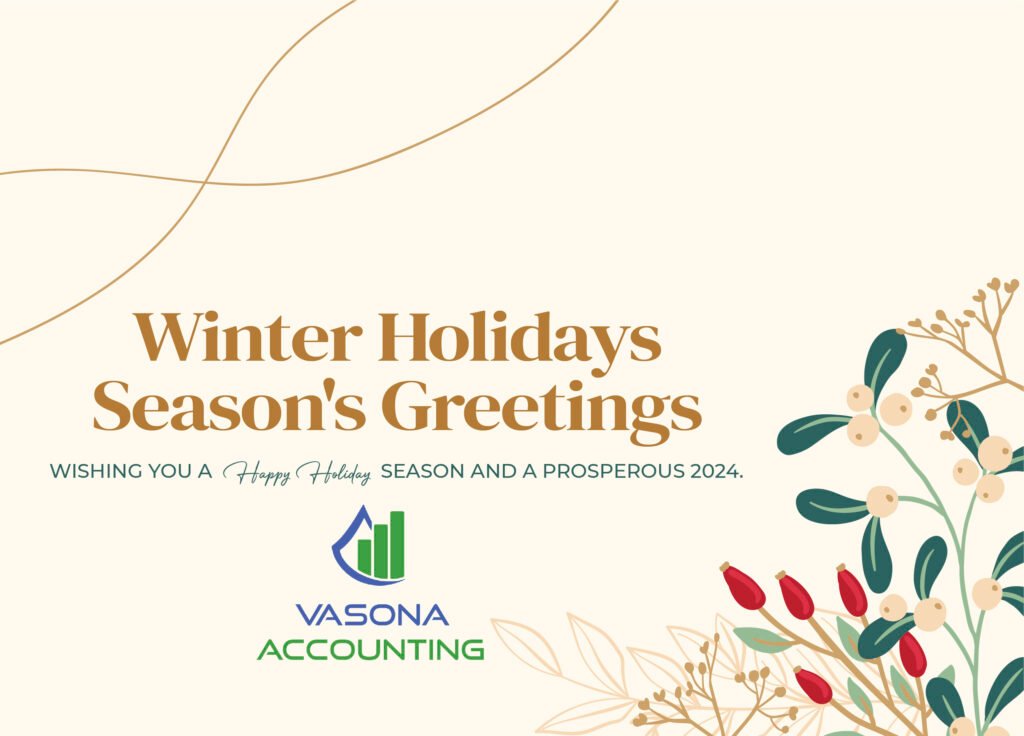
Why Christmas Card Design Matters
A Christmas card is more than just paper — it is a message of love, appreciation, and celebration. A thoughtfully designed card can:
• Strengthen relationships
• Show appreciation to clients and customers
• Create joyful memories
• Reflect your personality or brand style
Whether traditional or modern, your design should capture the festive spirit and make the recipient smile.
Step 1: Choose a Theme
The first step in designing your Christmas card is selecting a theme. Your theme sets the mood and style of the design.
Popular Christmas card themes include:
• Traditional Christmas (Santa, snow, Christmas trees)
• Winter Wonderland (snowflakes, icy blues, cozy scenes)
• Religious Christmas (nativity scenes, stars, angels)
• Modern Minimalist (simple colors and clean design)
• Funny or Playful (cartoon illustrations and humorous messages)
• Elegant and Luxury (gold accents, dark backgrounds, classy typography)
Choose a theme that matches your personality or brand image.
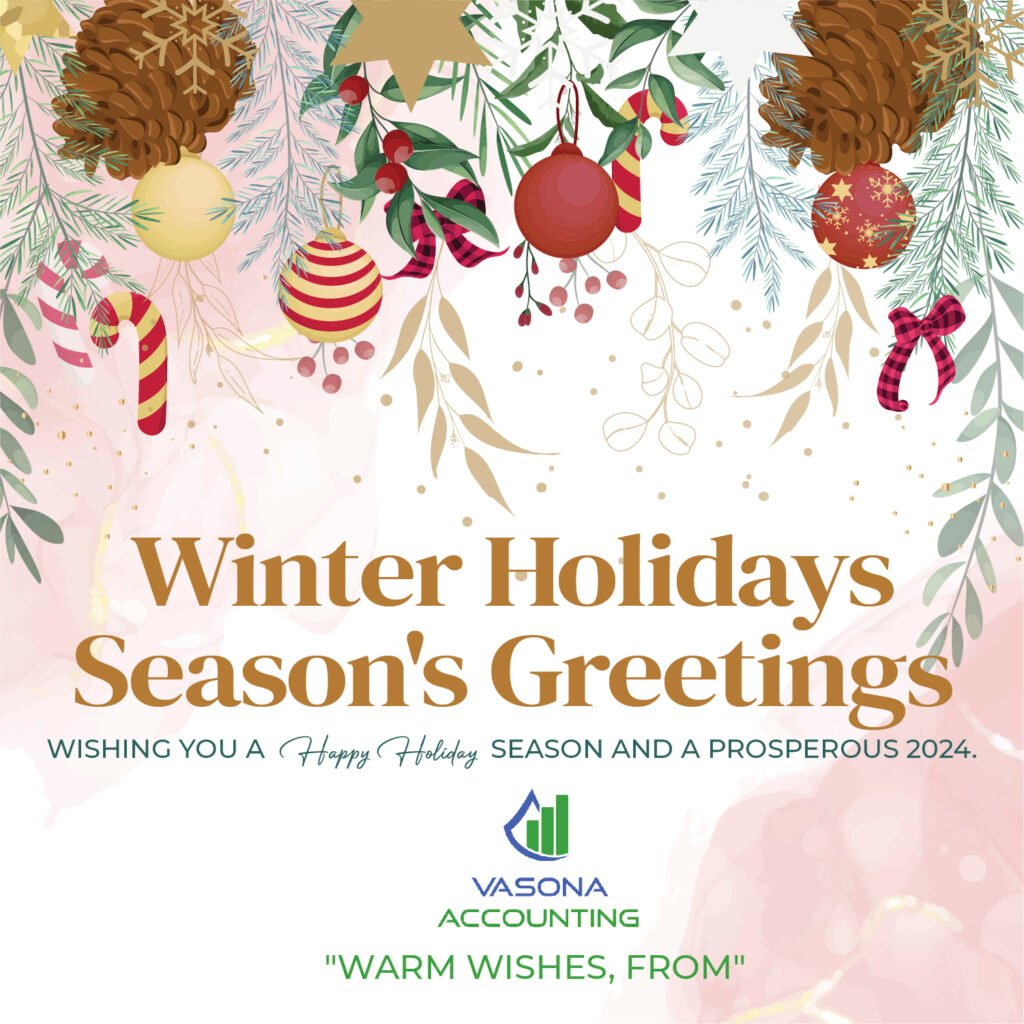
Step 2: Select Festive Colors
Color plays a big role in creating a holiday feeling.
Classic Christmas colors include:
Red – Warmth, love, and celebration
Green – Nature, Christmas trees, and tradition
Gold – Luxury and festive elegance
Silver – Winter sparkle and modern style
White – Snow, purity, and simplicity
You can stick to traditional red and green or choose modern palettes like navy and gold, pastel winter tones, or elegant black and gold combinations.
Step 3: Pick High-Quality Images and Graphics
Images bring life to your Christmas card. Depending on your theme, you might use:
• Christmas trees
• Snowflakes
• Reindeer or Santa Claus
• Ornaments and lights
• Cozy winter landscapes
• Family photos (for personal cards)
Use high-resolution images to keep your design looking professional. Avoid clutter — one strong visual element often works better than many small ones.
Step 4: Choose the Right Fonts
Typography sets the tone of your message.
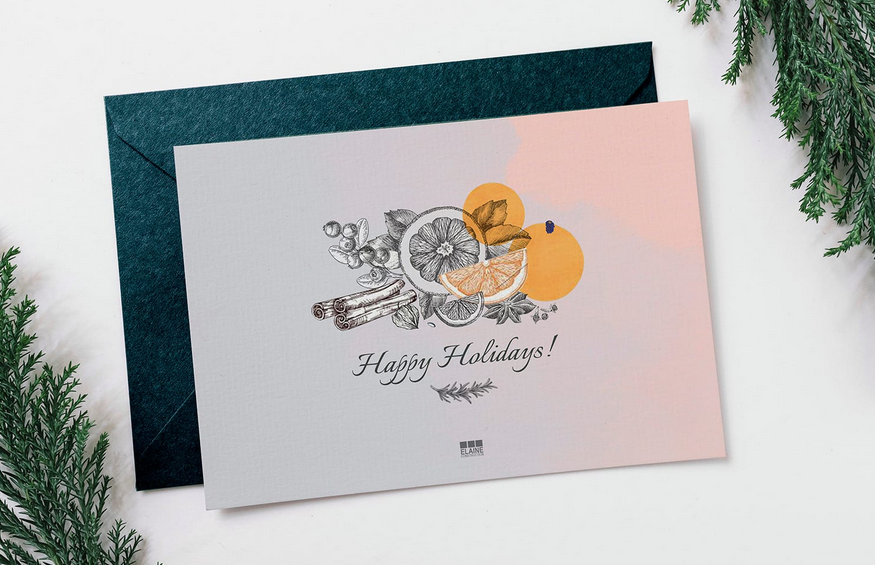
For traditional cards, script or serif fonts feel warm and festive.
For modern designs, clean sans-serif fonts work beautifully.
For playful cards, handwritten or decorative fonts add fun personality.
Use one main decorative font for headings and a simpler font for the message to keep the design readable.
Step 5: Write a Heartfelt Message
The message inside your Christmas card is just as important as the design.
Here are a few message styles you can use:
Traditional Message:
“Wishing you a Merry Christmas and a Happy New Year filled with peace and joy.”
Warm and Personal:
“May your holiday season be filled with love, laughter, and special moments with family.”
Business Greeting:
“Thank you for your continued support. We wish you a joyful holiday season and a successful New Year.”
Keep your message sincere and positive.

Step 6: Plan the Layout
A clean layout makes your card more visually appealing.
You can choose from common Christmas card layouts such as:
• Image on the front, message inside
• Minimal front with text focus
• Folded card with design outside and greeting inside
• Postcard-style single-page design
Make sure text is easy to read and elements are balanced with enough white space.
Step 7: Add Personal Touches
Personal details make your Christmas card memorable.
Consider adding:
• Your family name or business logo
• A favorite holiday quote
• A custom illustration
• Handwritten signatures
• A year-in-review note
For business cards, adding your logo and brand colors keeps your holiday greeting professional while still festive.

Step 8: Use the Right Design Tools
You don’t need to be a professional designer to create a beautiful Christmas card.
Popular tools include:
• Canva for easy templates and beginner-friendly design
• Adobe Photoshop for detailed photo cards
• Adobe Illustrator for vector graphics and illustrations
Choose a tool that matches your design skill level.
Step 9: Choose Paper and Printing Style
If you are printing physical cards, paper quality matters.
Popular printing options include:
• Matte finish for a soft, elegant look
• Glossy finish for vibrant colors
• Textured paper for a luxury feel
• Foil stamping (gold or silver) for premium designs
High-quality printing makes your card feel more special and memorable.

Step 10: Don’t Forget Digital Versions
In today’s digital world, many people send Christmas greetings online.
You can create:
• Email Christmas cards
• Social media holiday posts
• Animated digital cards
• Website holiday banners
Make sure your design looks good on both print and screen.
Final Thoughts
Designing your own Christmas holiday card is a wonderful way to spread joy and express creativity. By choosing a festive theme, elegant colors, meaningful messages, and a clean layout, you can create a card that truly captures the magic of the season.
Whether personal or professional, a beautifully designed Christmas card leaves a warm impression and strengthens connections during the most wonderful time of the year.


Leave a Comment